Sponsorship budgets get wasted more often on avoidable due-diligence gaps than on bad creative. Before any outreach email goes out, running a creator through a short, consistent checklist catches most of the red flags that show up later as disappointing campaign results — inflated followers, mismatched audiences, or content history that doesn't fit the brand.
The 7-Point Creator Vetting Checklist
1. Check Engagement Rate Against Follower Count
Start here, every time. Compare average likes per recent video against total followers using the formula in our engagement rate guide. An account sitting well below the typical range for its follower bracket is the single clearest early warning sign, and it's worth catching before any conversation about rates begins.
2. Look for Consistency, Not Just a Recent Spike
Pull up the account's video grid and check whether engagement holds steady across the last 10–15 posts, or whether one or two viral videos are propping up an otherwise average account. A creator whose numbers depend heavily on a single breakout video is a riskier bet for a sponsored post than one with steady, repeatable performance.
3. Review Actual Content Fit, Not Just Category
Follower count and niche tags only go so far. Watch several recent videos directly — tone, production style, comment culture, and audience makeup often reveal more about brand fit than a bio description does. A creator technically "in" a relevant niche can still have a tone or audience mismatch that a quick scroll through the video grid makes obvious.
4. Check Comment Quality, Not Just Comment Count
A high comment count with generic, interchangeable replies (see our fake account red flags guide) suggests engagement pods or bot activity rather than a genuinely responsive audience. Comments referencing specific details from the video — reactions, questions, inside jokes with the creator — indicate a real, attentive community worth paying to reach.
5. Look at Past Sponsored Content, If Any
If a creator has run sponsored posts before, check how those specific videos performed relative to their organic content. A significant engagement drop on sponsored posts compared to regular content can indicate audience fatigue with ads, or a mismatch between past sponsors and audience expectations — either of which is worth knowing before signing a new deal.
6. Confirm the Account Is Actually Active
Check posting frequency over the last month, not just the lifetime video count. An account that posted consistently for years but has gone quiet recently might still show strong lifetime stats while no longer being a good bet for a time-sensitive campaign.
7. Cross-Reference Audience Signals in the Comments
Skimming recent comments for location references, age-related language, or repeated names can offer a rough, informal read on audience demographics — useful as a sanity check against whatever audience data a creator provides directly, since self-reported demographics aren't always fully accurate.
Doing This Efficiently Across Multiple Candidates
Most brand deals involve comparing several creators, not vetting just one. Running this checklist manually for five or six accounts means repeatedly opening profiles, scrolling grids, and doing rough math for each — tedious, but the step most likely to get skipped under deadline pressure, which is exactly when a bad partnership slips through.
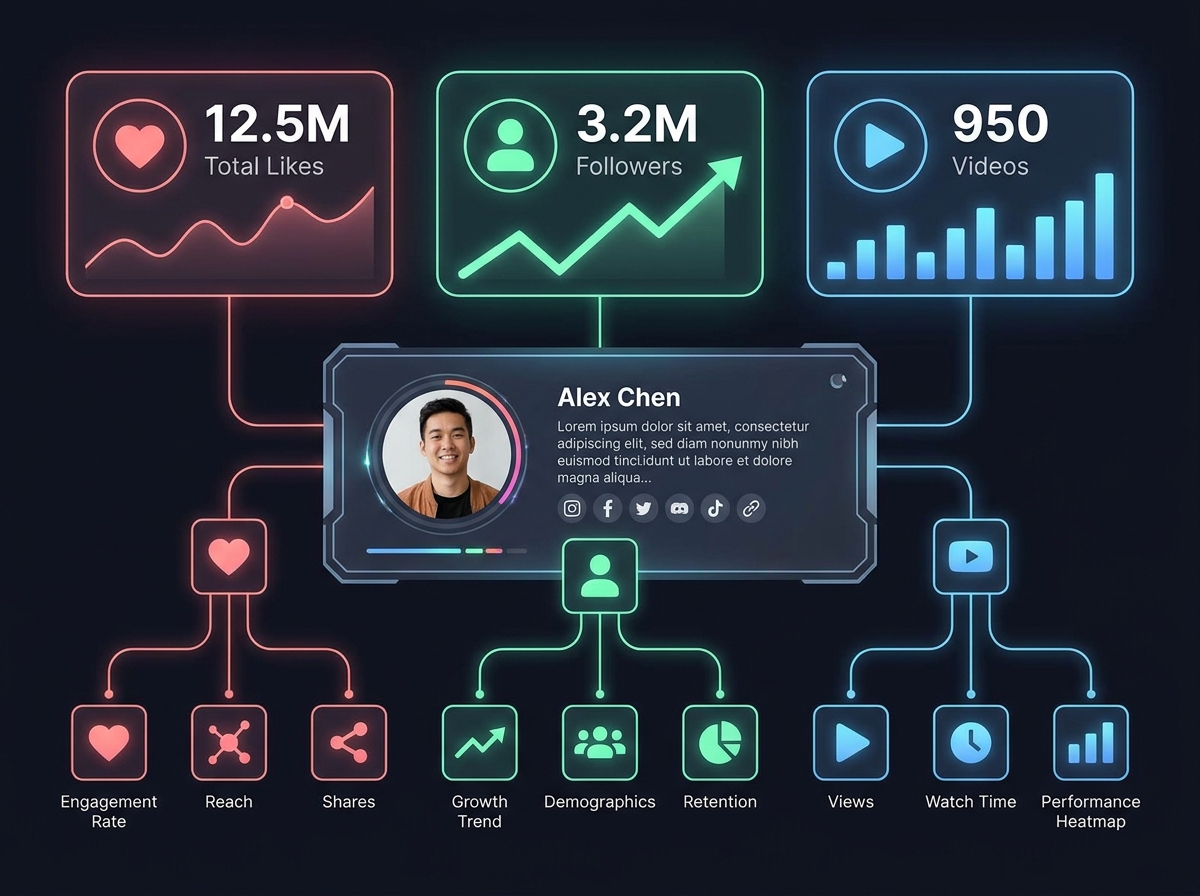
A quick profile lookup tool that surfaces follower count, average engagement, and recent video history in one view for each candidate makes it realistic to actually complete this checklist for every creator under consideration, rather than relying on gut feeling for the ones you didn't have time to check thoroughly.
Bottom Line
The creators worth partnering with are rarely the hardest to find — they're the ones whose numbers hold up once you actually check them. A five-minute review against this checklist, done consistently for every candidate, catches most of the expensive mistakes before a contract gets signed.
Compare engagement, follower count, and recent activity for multiple TikTok creators quickly with TikPeek — free and anonymous.
Want to Search a TikTok Profile Anonymously?
Enter any public username below to look up profile stats, follower growth, bio info, and recent video posts instantly.